This is a report for Buyers.
Similar to the "Paid Invoice Tracking Report" that exists for Suppliers.
This report provides the number of Invoices or dollar amount per Supplier, by status, for a selected period.
- In the Reports module, click Invoice Status.
The Invoice Status report is displayed.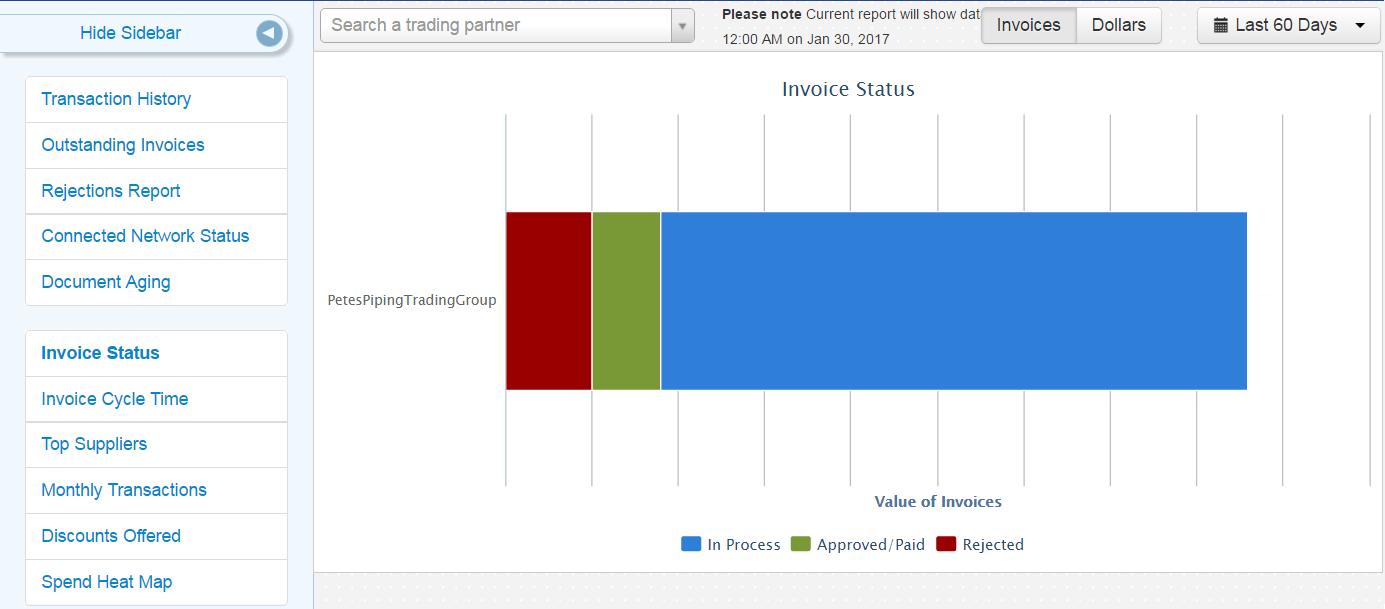
- Select the view Type (Invoice or Dollars) at the top right of the report.

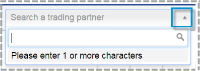
- If you are searching for statuses that match a specific Trading Partner, you can filter the report by entering the name in the Search a trading partner search and filter field at the top left of the report.
- At the bottom of the report, click the any status that you want to hide from the results.
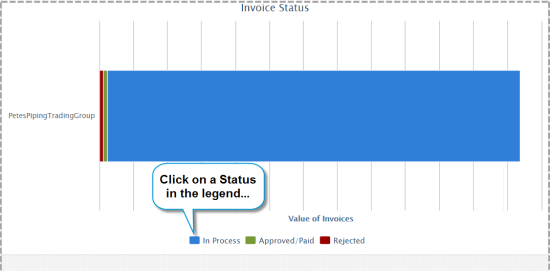
The Trading Partner name is grayed out and the related data is hidden from the report.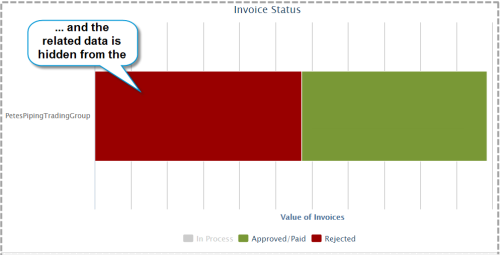
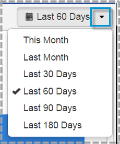
- Select a date range to view reporting on from the drop-down at the top right of the report.
This field defaults to "Last 60 Days".